
For service businesses on Jobber and QuickBooks
Run the office from the truck.
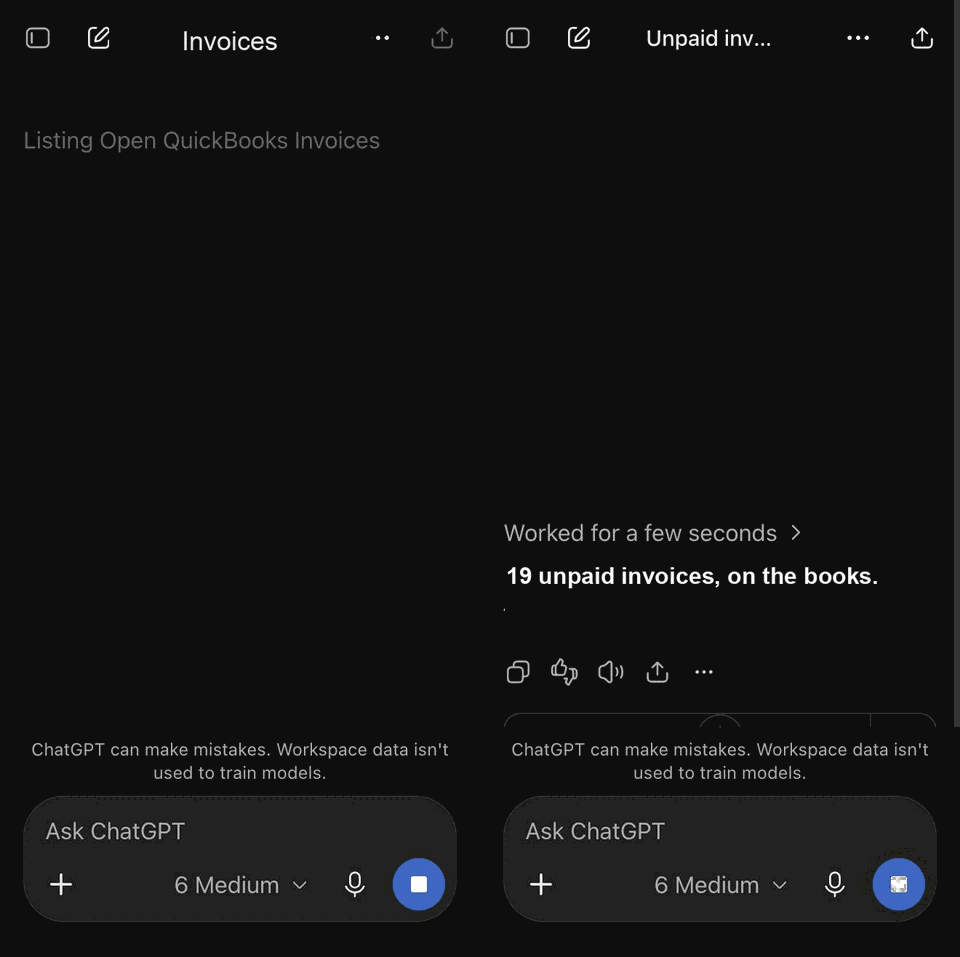
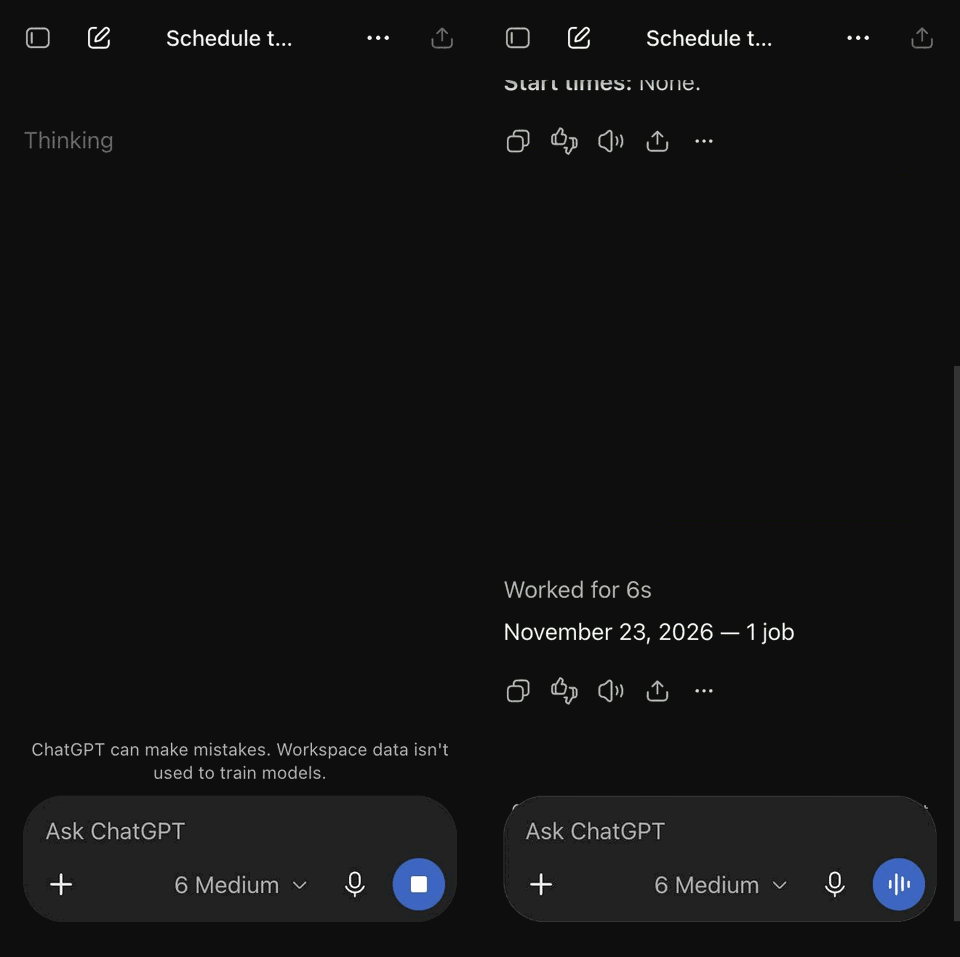
Send a quote, check the schedule, look up a customer, or invoice a finished job by typing or talking to ChatGPT on your phone. It works in your own Jobber and QuickBooks, with your prices and your templates.
Nothing changes until you say yes.
Same phone, other questions
What it does
On the job
- Quote extra work on the spot and email it before you leave
- Pull up the customer's history and notes from past visits
- Add notes and photos to the job
- Mark the visit done, close the job, or book a follow-up
- Answer equipment questions from your own manuals
- Look up part prices
In the office, from your phone
- Create and email invoices from QuickBooks
- See who owes you money and what is overdue
- Today's schedule and open time slots
- Add customers and properties
- Fix or void an unpaid invoice
- Find past work by what was done, such as every furnace install by city
You approve every change
- You ask. "Quote the Smith job: two hours plus a water heater, and email it."
- It drafts. You see the exact change, with prices, before anything is saved.
- You say yes. Then it runs once, in your Jobber or QuickBooks, and tells you it is done.
Every change is logged with who asked and what was approved. Reads, like the schedule or a customer's balance, never change anything.
Who it is for
Owners and small teams who quote, send people out, and invoice afterwards: HVAC, plumbing, electrical, cleaning, landscaping, pest control, roofing, appliance repair, property maintenance, and similar work. It is running every day for a service contractor in the Greater Toronto Area.
Works with
Other field-service and accounting apps can be added. Ask on the call.
Setup
- A 15-minute call to see if it fits how you work.
- Connect your Jobber and QuickBooks, and set up ChatGPT Business for your team.
- Load your prices and templates: labour rates, markups, quote and invoice templates.
- Two weeks on test customers, then switch to real ones.
Most businesses are live in two to three weeks. There is a one-time setup fee and a monthly service fee that covers hosting, updates and support. You keep paying for ChatGPT, Jobber and QuickBooks directly, in your own name.
What it does not do
- Bank reconciliation, bank feeds and payroll stay in QuickBooks.
- Jobber cannot email quotes or invoices through its API, so they go out from QuickBooks.
- It works on chatgpt.com in your phone's browser, not in the ChatGPT phone app.
- It never sends, books or changes anything without your yes.
Questions
Where is my data?
Your customers, jobs and invoices stay in your own Jobber and QuickBooks. The service keeps a log of what was asked and approved, and the connections to your accounts, hosted in Canada.
What if ChatGPT gets something wrong?
You see every change before it happens, with the customer, the lines and the totals. If it is wrong, say no and correct it. Prices come from your own price book, not from the AI's guesses.
Do I have to change software?
No. It works on top of the Jobber and QuickBooks accounts you already have.
Can my techs use it?
Yes. Each person gets their own ChatGPT seat and login, and you decide what each one can do. A read-only role for the field is available.
See it on your own jobs.
Fifteen minutes. Bring a recent quote and we will run it live.
Book a 15-minute call